Wiring and C-wire run
We assess your existing thermostat wire, run a new C-wire from the air handler if needed, and land every conductor on the correct terminal. No borrowed G-wire hacks, no tape splices, no shortcuts behind the drywall.
Smart Thermostat Installation azusa CA means more than mounting a screen on the wall. We check your system's wiring, C-wire, and control board first, then program your schedule so the house actually holds temperature. Whether you're in the Azusa Foothills or near Azusa Pacific University, our smart thermostat setup azusa California service gets your AC, furnace, or heat pump talking to your phone in one visit.
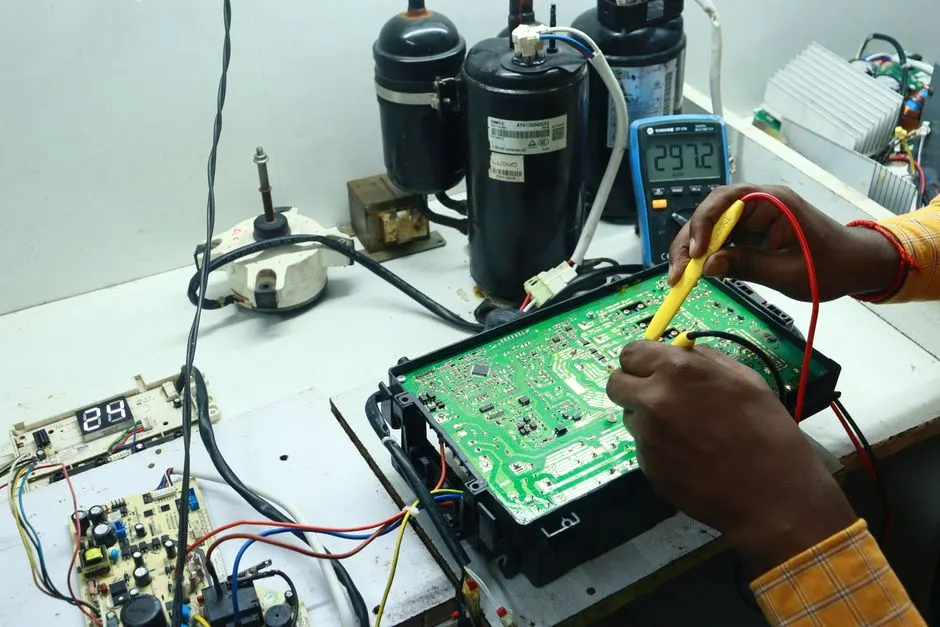
Smart Thermostat Installation azusa CA is the licensed wiring, mounting, and commissioning of a Wi-Fi-enabled thermostat onto your existing HVAC system so it can run schedules, remote commands, and energy reports. The job covers pulling a C-wire if your old unit used batteries, labeling low-voltage conductors, mounting the base plate level, and pairing the unit to your home Wi-Fi. We work with Nest, Ecobee, Honeywell, and most major brands, and we test heat, cool, and fan calls before we leave.
Most Azusa homes we walk into still have a 20-year-old dial or a basic programmable unit that fights the family schedule. A smart thermostat installer near me azusa search usually starts after a $300 summer bill or a system that short cycles. We see it constantly in the 91702 and 91010 ZIP codes, especially in older South Azusa houses with two-wire setups. Our team handles the wiring quirks so you don't fry a control board trying to DIY it.
Every install we do covers the wiring, mounting, configuration, and testing. If your system needs a C-wire run or a small control repair, we quote it upfront so there are no surprises on the invoice.
We assess your existing thermostat wire, run a new C-wire from the air handler if needed, and land every conductor on the correct terminal. No borrowed G-wire hacks, no tape splices, no shortcuts behind the drywall.
The base plate goes on level with a torpedo level, the conductors are fished cleanly, and the head unit snaps on flush. We patch nothing because we don't make holes we can't hide behind the plate.
We connect the thermostat to your 2.4 GHz network, set up your account, and walk you through the app. You'll know how to change schedules, override temps, and add family members before we leave.
The thermostat gets told exactly what it's controlling: single-stage, two-stage, heat pump, dual fuel, or communicating. That configuration is what makes the schedule and eco modes actually work with your equipment.
We call for cool, heat, and fan separately, watch the system respond, and run a 10-minute cycle to confirm no short cycling. If we find a bad capacitor, contactor, or blower motor issue during the test, we flag it before we leave.
We start at the air handler and condenser, not the wall. Using a multimeter and clamp meter, we verify low-voltage output, transformer health, and control board condition. If your system has a bad capacitor or a failing contactor, we flag it before we install anything, because a new thermostat on a dying system just hides the real problem.
We pull the old thermostat and count conductors. If you have a C-wire, great. If not, we run one from the air handler or use a manufacturer-approved adapter. We label every wire, check for a spliced or damaged thermostat wire, and confirm 24VAC at the terminals before mounting anything.
We mount the base plate level with a torpedo level, fish the conductors through, and land them on the correct terminals. No wire nuts stuffed behind the wall, no tape holding a plate on. The head unit snaps on, powers up, and we confirm it sees the equipment on the first boot.
We connect the thermostat to your 2.4 GHz network, create or link your account, and walk you through the app on your phone. You'll leave knowing how to set a schedule, change modes, and add a family member. We also set the date, time, and equipment type so the thermostat knows it's running a heat pump or a gas furnace.
We call for cool, heat, and fan separately and watch the system respond. Then we run a 10-minute cycle to confirm no short cycling and no error codes. Before we pack up, we show you the filter reminder, the eco settings, and how to override the schedule when you want to.
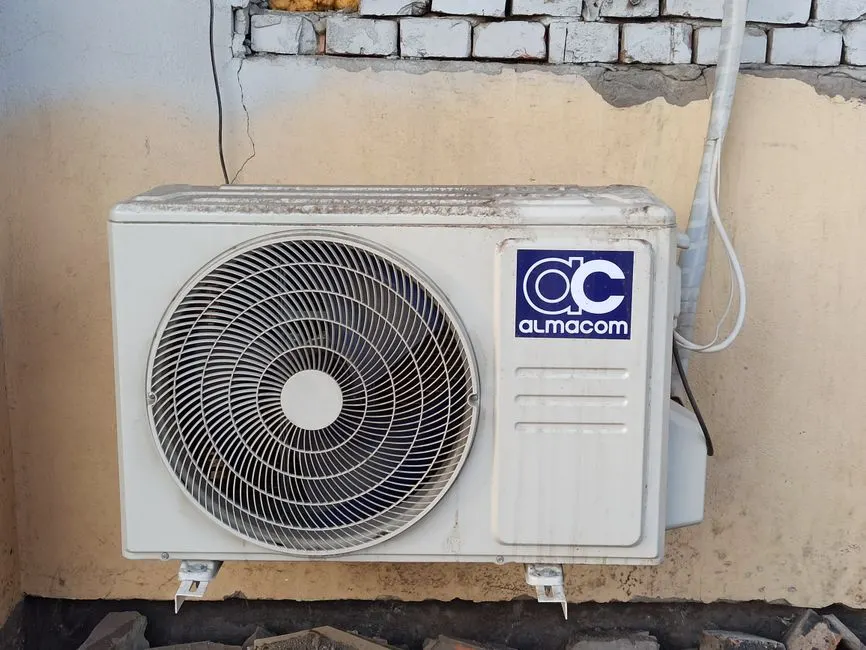
We start at the air handler and condenser, not the wall. Using a multimeter and clamp meter, we verify low-voltage output, transformer health, and control board condition. If your system has a bad capacitor or a failing contactor, we flag it before we install anything, because a new thermostat on a dying system just hides the real problem.
We verify 24VAC at the thermostat terminals, check transformer output, and measure blower motor amps so we know the control circuit is healthy before and after the install.
When the system check turns up a cooling issue, we hook up gauges to read suction and head pressure. That tells us whether the thermostat complaint is actually a refrigerant problem.
If we find a refrigerant leak during the system check, we recover, repair, and evacuate the system to 500 microns before recharging. A thermostat can't fix a system that's low on charge.
Electronic leak detection pinpoints refrigerant leaks at flare fittings, Schrader ports, and coil joints so we repair the actual source instead of topping off and hoping.
Level mounting matters more than people think. A tilted thermostat reads temperature wrong. Fish tape lets us pull a new C-wire through finished walls without cutting extra holes.
If the condenser coil is packed with lint and dust, we clean it during the visit. A dirty coil drives long runtimes that a smart thermostat will log as abnormal.
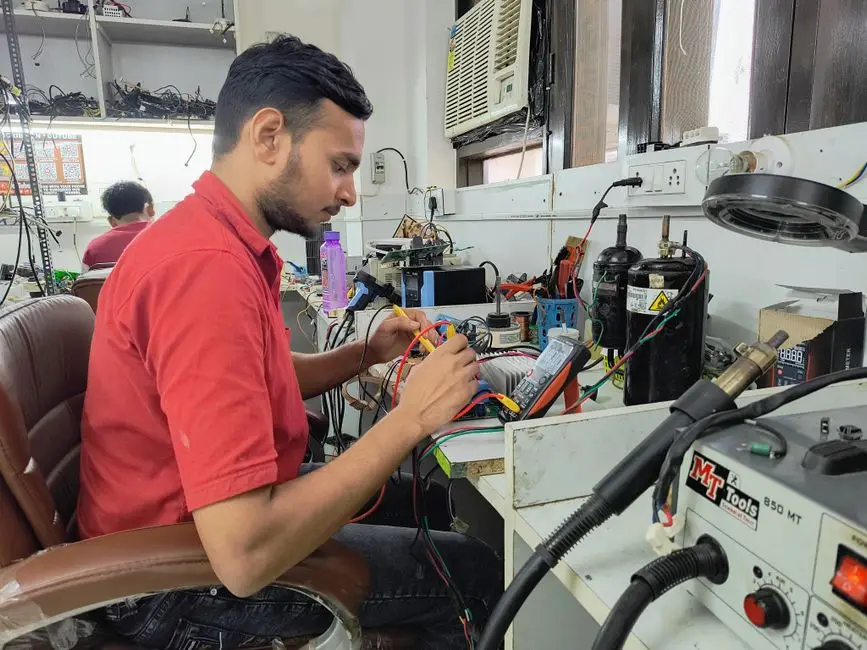
A 1990s battery-powered dial thermostat on a two-wire run. The homeowner couldn't set a schedule, and the house hit 88 degrees every afternoon while they were at work. They'd tried a DIY Nest install and gave up when it wouldn't power on.
After: We pulled a new C-wire from the air handler, installed the Nest, and set a work-hours setback schedule with a 30-minute pre-cool before they get home. First full month, cooling runtime dropped 14 percent and the house was 76 degrees at 6 p.m.
Book this service →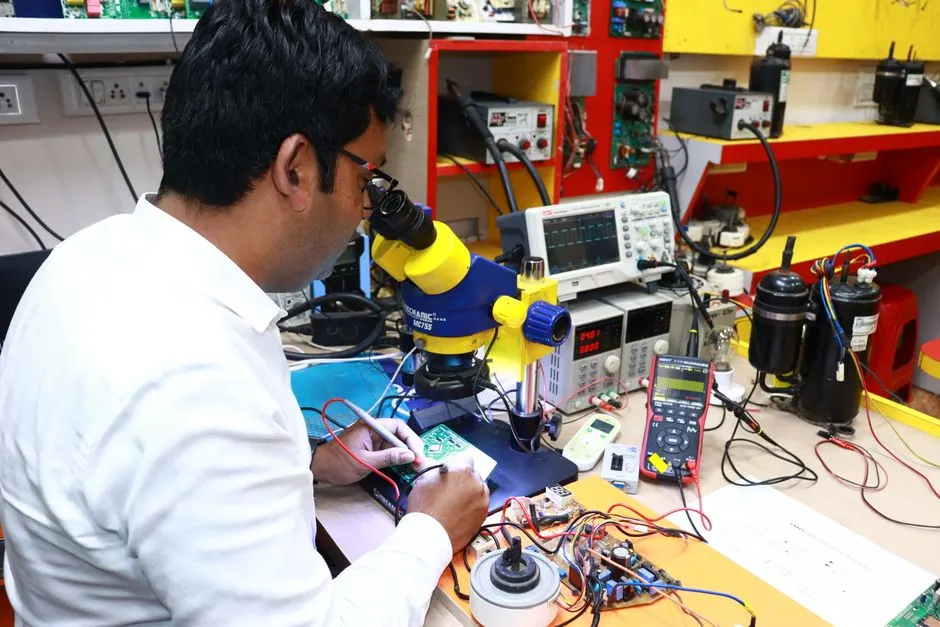
A Foothills homeowner had a new heat pump paired with a builder-grade thermostat that ran the electric strips every night. Winter bills were over $400 and the house still felt cold in the morning.
After: We installed an Ecobee, set the balance point at 38 degrees, and locked out the aux strips above that. The heat pump now carries the load on its own. Winter bill dropped to $260 and morning temps hold at 68.
Book this service →A two-story home with one thermostat downstairs. The upstairs bedrooms ran 6 degrees hotter all summer, and the family was using a window unit to compensate. The downstairs thermostat never knew the upstairs was hot.
After: We installed a smart thermostat with a remote room sensor upstairs and configured the system to average both zones. The window unit came out. Upstairs holds within 2 degrees of downstairs, and the AC runs shorter cycles overall.
Book this service →Most thermostat calls we run in Azusa start with one of these four complaints. Here's what's actually happening and how we fix it.
Ask a pro →We check your router band, signal strength at the wall, and the thermostat's firmware. Most drops are a 5 GHz network issue or a weak signal through a plaster wall. We fix the connection and confirm the schedule holds for 24 hours before we leave.
We test 24VAC at the air handler first, verify transformer health with a multimeter, and confirm the C-wire is actually providing power. If the board is already damaged, we repair it and then complete the thermostat install on a healthy circuit.
We set the cycle rate and temperature swing to match your equipment type, then verify runtime with a clamp meter. Short cycling usually comes from a factory-default cycle rate that doesn't fit a two-stage or heat pump system.
We set the balance point, lockout temperature, and defrost settings so the heat pump carries the load and the strips only kick in when it's actually cold enough. That one configuration change typically cuts winter runtime cost by 20 to 35 percent.
“Our old thermostat was a two-wire setup and I'd read horror stories about DIY Nest installs frying boards. Azusa Breeze ran a C-wire from the attic, mounted everything level, and had the app working on my phone in about 90 minutes. First summer bill dropped $47 compared to last year. Worth every dollar.”
Marisol R.Homeowner, South Azusa
✓ Verified“We have a heat pump and the last thermostat kept running the aux heat constantly. These guys set the balance point and locked out the strips properly. House heats faster and the winter bill is way down. They also found a weak capacitor during the system check and swapped it the same visit.”
David K.Homeowner, Azusa Foothills
✓ Verified“Landlord approved the upgrade and Azusa Breeze handled everything. They installed an Ecobee, connected it to the Wi-Fi, and walked me through the schedule setup. I can bump the AC from class now instead of coming home to a hot apartment. Clean work, no mess left behind.”
Priya S.Renter, Azusa Pacific University Area
✓ VerifiedMost installs run $180 to $450 in 2026, including labor and a C-wire run if you need one. The thermostat itself adds $130 to $300 depending on whether you pick a Nest, Ecobee, or Honeywell model. If your system needs a transformer or a control board repair first, that's quoted separately before we start.
Plan on 60 to 120 minutes. A straight swap with an existing C-wire takes about an hour. If we have to run a new C-wire from the air handler through an attic or wall cavity, add another 30 to 60 minutes. We don't leave until heat, cool, and fan all test clean.
Nest, Ecobee, and Honeywell all work with standard single-stage and two-stage systems, and most handle heat pumps with auxiliary heat. Communicating systems from Carrier, Trane, and Lennox sometimes need a manufacturer-specific thermostat. We check your model number and wiring before recommending anything, so you don't buy a unit that won't talk to your equipment.
Yes. We install and configure Nest, Ecobee, Honeywell, and most other Wi-Fi thermostats. We handle the C-wire, mount the base plate, connect the app, and set the equipment type so the thermostat knows whether it's running a gas furnace, a heat pump, or a dual-fuel setup. Same-day smart thermostat setup near me azusa California requests are usually covered.
Call (626) 765-0724 and we'll get a tech out, usually the same day. We carry Nest, Ecobee, and Honeywell on the truck, handle the C-wire, and leave you with a thermostat that actually runs your system right. Flat pricing, licensed techs, and a clean install you can see behind the wall.
Book My Install (626) 765-0724 →Call (626) 765-0724 or email info@azusabreezehvac.com and we will get you on the schedule. We answer the phone seven days a week, run emergency calls around the clock, and aim to have a tech at your door the same day for no-cool calls across Azusa and Los Angeles County.